No-code website builder

Launch your website for €1.25 a month
Build your website, register a domain, and use email marketing, bookings and other useful tools. When you're ready to sell, open your online store with Voog.
30 days free
No credit card required
Friendly customer support

Web hosting plans for websites and online stores
New
Starter
€1.25
per month billed annually or €2 monthly
- 2 pages, 1 language, 1 user
- Free domain with annual plan
- Free SSL certificate
Standard
€11
per month billed annually or €14 monthly
- 3 products, users and languages, 30 pages
- 0%-3% Voog fee
Most popular
Plus
€17
per month billed annually or €22 monthly
- Unlimited products, users, languages and pages
- 0%-3% Voog fee
Premium
€39
per month billed annually or €50 monthly
- Includes all Plus features
- Bulk product management
- 0% Voog fee
Start based on your needs
Everything you need to succeed online. Simple and in one place.

Create a website
Build your company, service, or portfolio website without a developer. Fast, easy, and professional.
Explore website features

Start an online store
Sell products online. Manage products, payments, shipping, and orders in one easy place.
Explore store features

Register your domain
Start with the right web address. Register your domain and connect it to your Voog site — all in one place.
Find your domain

Create a multilingual website
Manage multiple languages from one place. Reach a wider audience by offering your content in several languages.
Explore multilingual features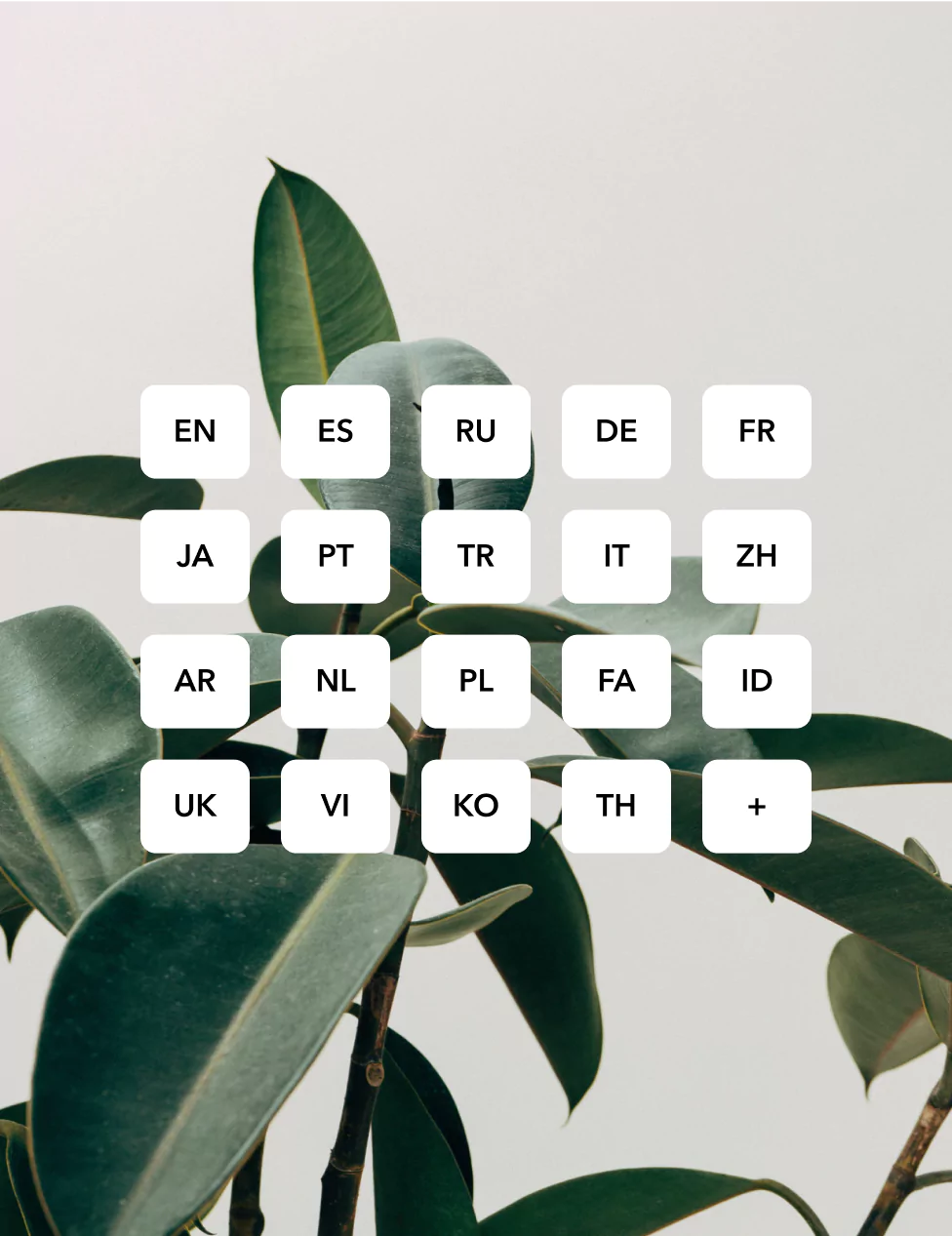
Why choose Voog?

Fast customer support
Talk to our team any time. You will be always helped by real people.

Easy to manage
Update your text, images, and pages without needing a developer.

Secure and reliable
Hosting, SSL, and the technical foundation are taken care of.

30 days free trial
Try Voog for free. No credit card needed, no commitment required.
Grow your business
Add tools that help you collect contacts, receive enquiries, and turn visitors into customers.

Email marketing tool
Create newsletters, automate campaigns, and track your results.
View email marketing

Booking system
Let customers book your services online and manage appointments from one place.
View bookings

Create Instagram posts
Use AI-powered tools to create social media posts for your business.
View Instagram generator

Coming soon: Canvas editor
Design page sections more freely and place content exactly where you want it.
Explore canvas editor
Learn, launch, and grow with Voog
Short practical updates from the blog and live sessions from the Voog team.
Latest posts
View all

Join other successful companies on Voog.



We’re here to help!
Not sure what you need? We'd love to help. Reach out to our support team and we'll get back to you as soon as we can.
Get help
Frequently Asked Questions
What is Voog, and how does it differ from other website builders?
Voog is a no-code, multilingual website builder that allows you to easily create and manage websites without any technical expertise.
Here’s what sets us apart from other website builders:
Our user-friendly interface. The simple UI makes it accessible for individuals and small businesses looking to create a website without a steep learning curve.
Multilingual support. You can easily create websites in multiple languages, which can be beneficial if you target a global audience.
Mobile-friendly and responsive. All websites created in Voog are responsive and optimized for various devices (including desktops, tablets, and smartphones).
Our intuitive visual editor. The editor lets you see your changes in real time, making the customization process more intuitive.
How do I get started with Voog?
It’s easy to get started with Voog. Here’s how you can get your website up and running in three simple steps:
Sign up and configure your site:
Create a free account, select a template, and follow the onboarding steps in the admin dashboard to configure your site's global settings.
Customize and make it yours:
Personalize the look and feel of your website with your unique branding using the visual builder. It shows every page exactly as your visitors will see it.
Launch your new website:
Hit save and go live. Edit elements on your pages, instantly preview changes, check stats, and manage your site—all from one dashboard.
Enjoy the Voog website editor free for 30 days.
What are the pricing plans for Voog, and what features do they include?
Voog offers three pricing plans: Premium, Plus, and Standard, with the option to pay monthly or yearly. Check our Pricing page for a full breakdown of all available plans and features. You can try the Voog website builder for free for 30 days without the need for a credit card.
All plans include SSL security, unlimited bandwidth, website analytics, customizable design settings, built-in mobile optimization, multilingual support, online store capabilities, API access and developer tools, and password-protected pages.
Can I create an online store with Voog, and what e-commerce features are available?
Check out our comprehensive resource section to see how easy it is to build an online store with Voog.
Absolutely! All Voog subscriptions, including the 30-day trial, give access to our online store functionalities. Configure your store in minutes, add products, integrate your preferred payment processors (PayPal, Stripe, etc.), configure the checkout process, send automatic invoices or payment receipts, receive notifications on each sale, and more.
Here's a quick guide for setting up your online store:
Accessing the online store functionality: Start the setup from Store > Settings.
Store settings: Under Store Information, edit global store settings, update your address details, and customize invoice features.
Shipping: Add different delivery methods and integrate them with delivery providers.
Payments: Configure payment options like credit cards, bank links, hire purchases, and offline invoices.
Emails: Customize emails and PDF invoices for a personalized customer experience.
Checkout: Tailor the checkout process to ensure a smooth shopping experience.
VAT percentage: Set your store's VAT percentage using a full stop for decimal places (e.g., 20.5) without adding a percentage character.
Terms & refund policy: Add a link to the Terms & Refund policy URL to the website footer. Follow our guide to create a hidden page with the terms and link it to the store settings.
Check out our comprehensive resource section to see how easy it is to build an online store with Voog.
How can I add payment methods to my online store with Voog?
Voog allows you to enhance your customers' experience by adding payment methods such as bank links and credit card payments. Here's a simple guide:
Prepare your store: Ensure your domain is registered for online store management. Add terms and conditions along with a privacy policy to your online store.
Add your payment methods: Go to Store > Settings > Payments. You'll find an existing "Offline" payment method requiring no further setup. Click Add payment provider to access a list of payment channels available for setup.
You can start selling immediately with offline invoices. However, for stores expecting over 1000 EUR monthly revenue, adding bank links or credit card payment options is highly recommended.
How can I customize my Voog website to match my brand?
Our website builder has endless customization options to ensure that your site matches the look and feel of your brand.
Here’s a sneak peek of what you can do in Voog:
Choose from a variety of designer templates;
Adjust colors and fonts through the design settings to match your brand identity.
Upload your logo and ensure immediate brand recognition.
Replace stock images with visuals that represent your brand.
Tailor text and content to reflect your brand's tone.
Utilize the drag-and-drop builder to arrange page elements.
Integrate specific brand elements, such as icons or graphics, into your website design.
What support and resources does Voog offer to help me build my website?
Voog provides a robust set of support and resources to facilitate the website-building process:
Customer support seven days a week: Voog offers quick, human support through the live chat widget and the website contact form.
Help center: Access a comprehensive Help center with straightforward articles, guides, and tutorials covering various website creation and management aspects.
Video tutorials: Learn visually with video tutorials that guide you through specific features and functionalities of the Voog platform.
- Hire a specialist: Need a custom solution? We partner with top web development and design agencies who are ready to help you build the website of your dreams. Reach out to us with your requests, and our team will get back to you as soon as possible.
How can I add multiple languages to my website in Voog?
To find out more about language management on Voog, read this support article.
With Voog’s multilingual capabilities, you can add more languages to your website with one click. To add a new language in the editing mode, just click on the + Add button from the Language drop-down menu. Choose your preferred language, set language detection preferences, and add a website title in the new language.
Alternatively, you can go to Content > Structure, then select Add language at the menu's header. Choose your preferred language, set language detection preferences, and add a website title in the new language.
Moreover, you can easily translate your website content into another language. This way, when a visitor changes the language of your site, they will be redirected to the translated version of the same page in the selected language.
To find out more about language management on Voog, read this support article.
How does the Voog website builder handle website hosting and security?
For more specific information about hosting and security, feel free to check out our guides on Backups and service Uptime, SSL certificates, and Personal Servers.
Voog has integrated website hosting, and the content management software is always updated and backed up. We don’t want you to worry about technical issues like website hosting, security, or updates. Everything is done for you.
Even if you have a more complex problem, you can always talk to a real person and ask for help. This gives you more freedom to focus on the most important thing – your website.
When it comes to SSL certificates, we offer two options:
Add a Let's Encrypt certificate to one or several of your domains. It’s free of charge and will be renewed automatically every three months.
Add SSL certificates to one or several of your domains from alternative providers. This option is available if you have a premium plan. All you have to do is to click and upload the certificate files or send them via e-mail to support@voog.com. We’ll set them up for you.
For more specific information about hosting and security, feel free to check out our guides on Backups and service Uptime, SSL certificates, and Personal Servers.
Can I get a custom domain or use my own domain name with Voog?
Need a new custom domain? Voog offers over 30 cTLDs. Please check our full list of domain prices for more info. You can also pick up a new, free custom domain with the Plus and Premium yearly plans.
Already have a domain? Voog lets you use your domain name (e.g., mycompany.com) with your website. Once you've subscribed to Voog, you can move your web address (domain) to Voog. If you’d like to know more, check out this support article.
What are the best practices for SEO on Voog, and how does Voog support SEO efforts?
We provide robust SEO tools and features to optimize your website for search engines. Here are the functionalities you can use to boost your website’s visibility:
Edit SEO metadata individually for each page or site, providing clear descriptions to enhance search engine understanding of your content.
Analyze website traffic and visitor data for each page on your domain, gaining insights into your audience and understanding traffic sources.
Utilize Voog's automatic SEO scoring tool to assess how well your page is optimized. Identify specific areas that need further optimization for improved search engine visibility.
Remove broken or low-performing pages with simple redirect rules.
Automatically generate and manage your XML sitemap and robots.txt files. This ensures easy discovery by search engines like Google.
- Easily set up your Google Analytics and other tracking tools within Voog.